1
Calendar intervals ignore how hard each machine worked
A machine that ran every shift and one that barely ran get the same service on a calendar plan. Runtime hours and cycle counts from the PLC let intervals follow actual use.
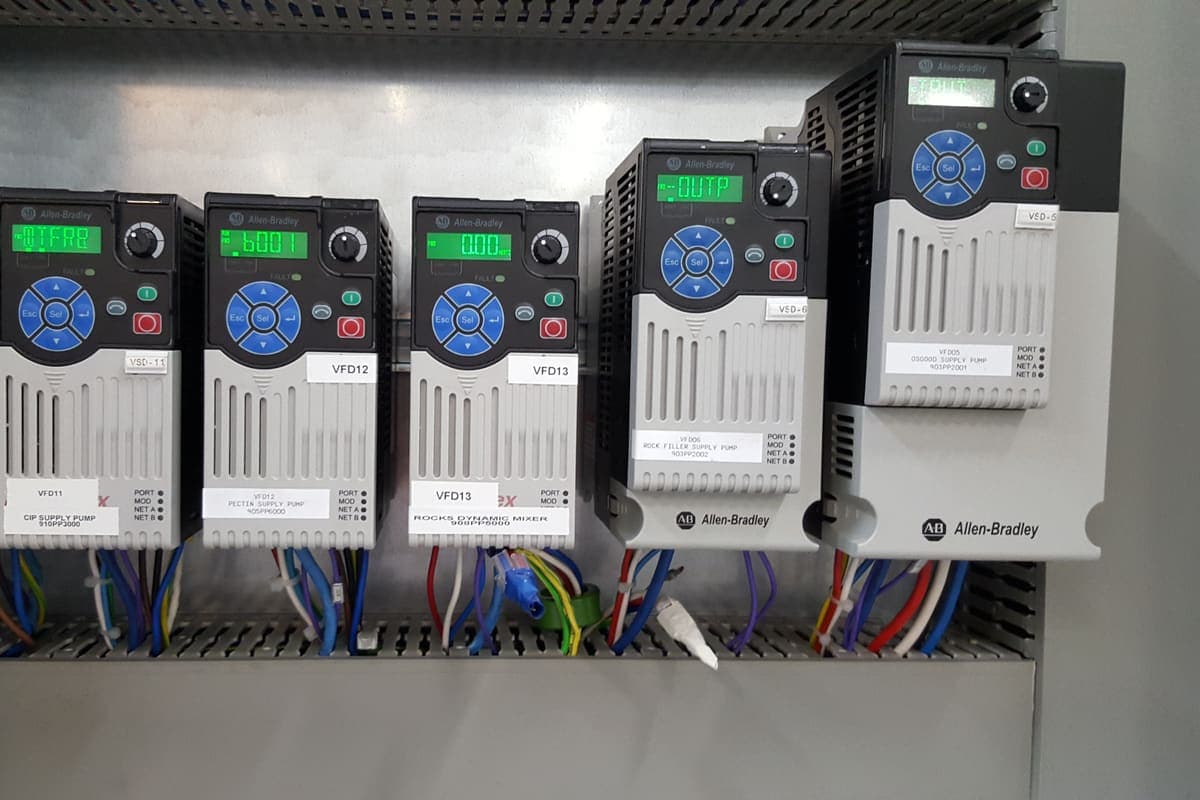
A machine that ran every shift and one that barely ran get the same service on a calendar plan. Runtime hours and cycle counts from the PLC let intervals follow actual use.
Run status, starts, cycles and fault codes are in the controller. They can drive usage-based intervals, and fault events and condition alarms can raise work orders directly.
Agree counters, thresholds and debounce rules with the maintenance planner, prove them on a handful of assets, and only then extend across the plant.
Preventive maintenance is maintenance carried out before a failure, to reduce the chance of one. Most plants schedule it by the calendar: a gearbox oil change every three months, a filler valve kit every six. The PLC that runs each machine already knows how many hours it has run, how many cycles it has done and which faults it has seen. This guide explains how that machine data can make preventive maintenance follow actual use, how fault events and condition data fit in, and how to introduce it without flooding the CMMS with work orders.
It is written for maintenance managers, maintenance planners and engineering leads in Australian food and beverage plants.
This guide is part of our Plant Intelligence section. For how we connect plant events and machine data to a CMMS, see maintenance from plant data.
Maintenance terminology is standardised in EN 13306, and most CMMS products use the same ideas even when they name them differently.
| Strategy | When work is done | Data it needs |
|---|---|---|
| Corrective (reactive) | After a failure | Fault time, asset and cause |
| Predetermined, time-based | At fixed calendar intervals | A calendar |
| Predetermined, usage-based | After a set amount of use | Run hours, cycles, starts or throughput |
| Condition-based | When measured condition shows deterioration | Vibration, temperature, current, pressure or similar |
| Predictive | When a forecast of condition says failure is approaching | Condition history and a model |
Every plant uses a mix. The point of machine data is to move work from the first two rows toward the middle rows where it pays off, not to replace every calendar task.
A calendar plan assumes every asset works at a steady rate. In a food plant that is rarely true. Seasonal products run hard for a few months and then sit. A second filler runs only when the first is down. A line moves from one shift to three when a new customer lands. On a calendar plan, the busy asset is under-maintained and the idle one is over-maintained, and neither is visible in the CMMS.
Most of the data usage-based maintenance needs is already in the controllers.
Where a counter does not exist, adding one is usually a small, controlled PLC change. Counters should be retained through power loss, protected from accidental reset, and reset deliberately when the maintenance task is completed.
A usage-based interval replaces "every three months" with "every 2,000 run hours" or "every 500,000 cycles". The thresholds come from OEM recommendations where they exist, adjusted by the site's own failure history.
There are two common ways to connect this to the CMMS.
Meter readings keep the maintenance plan in the CMMS where planners manage it, which is usually the better choice. Either way, the counter or its reference point should reset when the job is closed, so the next interval starts from the actual service.
Corrective work starts faster when the fault raises the work order. The PLC knows which fault stopped the machine; passed through the SCADA layer to the CMMS, it becomes a work order against the right asset, with the fault code and time attached, before anyone makes a phone call. At Remedy Drinks, plant events in Ignition create work orders in the MEX CMMS automatically, which reduced the gap between a fault occurring and a work order being raised and assigned.
Fault history also improves preventive plans. An asset whose fault count rises between services is telling the planner the interval is too long.
Some failures give warning. Bearing and gearbox wear show up in vibration, electrical problems in motor current, and heat in temperature, often weeks before a failure. Condition-based maintenance acts on that warning. On the Remedy Drinks can filler, vibration and condition data is collected over MQTT, trended in Ignition and alarmed against thresholds aligned to maintenance inspection intervals, giving the maintenance team early warning of developing faults.
The interval between a detectable problem and a failure, often drawn as the P-F curve, sets how often condition must be checked for the warning to be useful. Our guide to IIoT condition monitoring covers sensor choice, sampling and the P-F curve in detail.
The fastest way to lose the maintenance team's trust is to flood the CMMS. A few rules, agreed with the maintenance planner before any code is written, prevent it.
A staged introduction works best.
The PLC already knows how hard each machine has worked and why it stopped. Runtime hours and cycle counts can drive preventive maintenance intervals, fault events can raise corrective work orders directly, and condition data can give warning before a stop. Introduced on a few critical assets with clear rules, machine data makes the maintenance plan follow the plant rather than the calendar.
If you want plant events and machine data connected to your CMMS, speak with an engineer.
Plant events that raise CMMS work orders, condition alerts before a stop, and runtime counts for preventive maintenance.
Condition monitoring to ISO 17359 and ISO 13374, the P-F curve, MQTT and OPC UA data acquisition, and how condition data ties into OEE.
OEE, reports, quality, CIP, maintenance and energy data from the team that builds and programs the lines.
Ignition to MEX integration generating automatic work orders from plant events for a beverage producer.
MQTT-based vibration and condition monitoring with threshold alerting on a production-critical can filling line.
PLC and SCADA fault finding, planned maintenance and production breakdown support for Melbourne and regional sites.
Automation, traceability, CIP, SCADA and production data for Australian food and beverage plants.
Certificate-secured MQTT connectivity for condition monitoring at a brickworks, delivered as a documented reference implementation.
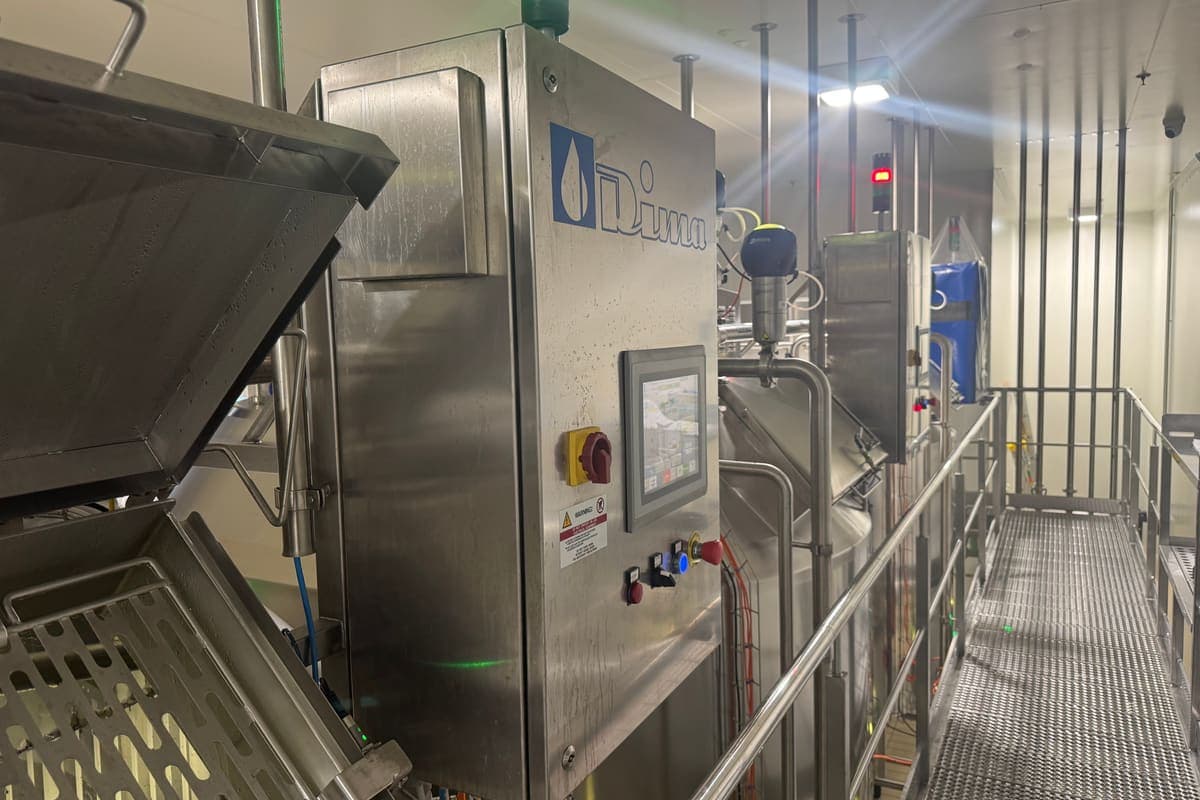
Which critical control points a food plant's control system can monitor automatically, what a CCP monitoring record must show, and how deviations, verification and data integrity are handled.
Key point
Most process CCPs are a measurement the control system already takes
Published 25 Sept 2026
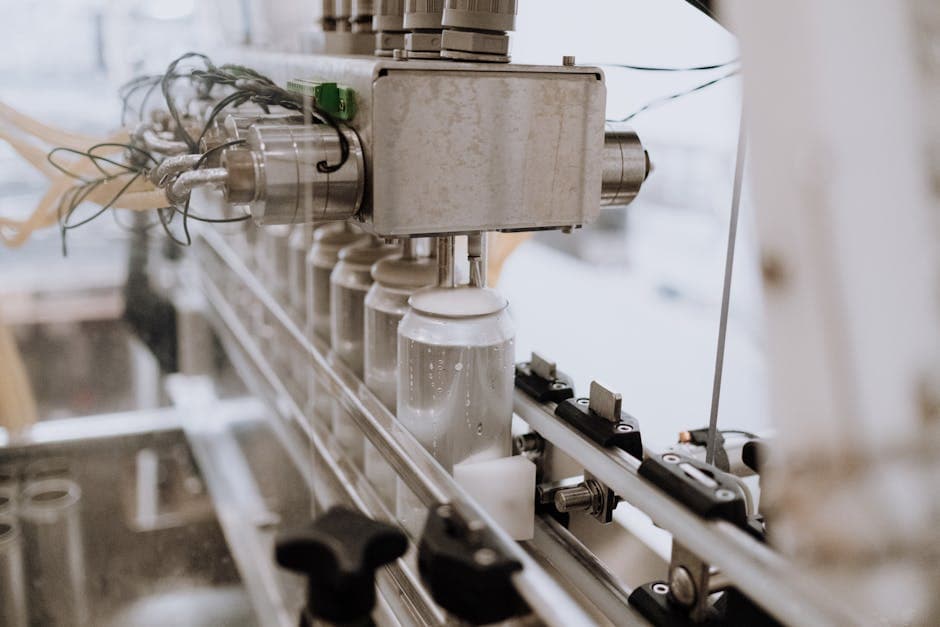
Condition monitoring for Australian manufacturers: ISO 17359 and 13374, the P-F curve, sensor selection, MQTT Sparkplug B and OPC UA, and the link to OEE.
Key point
Condition monitoring is a discipline with standards behind it
Published 9 May 2026
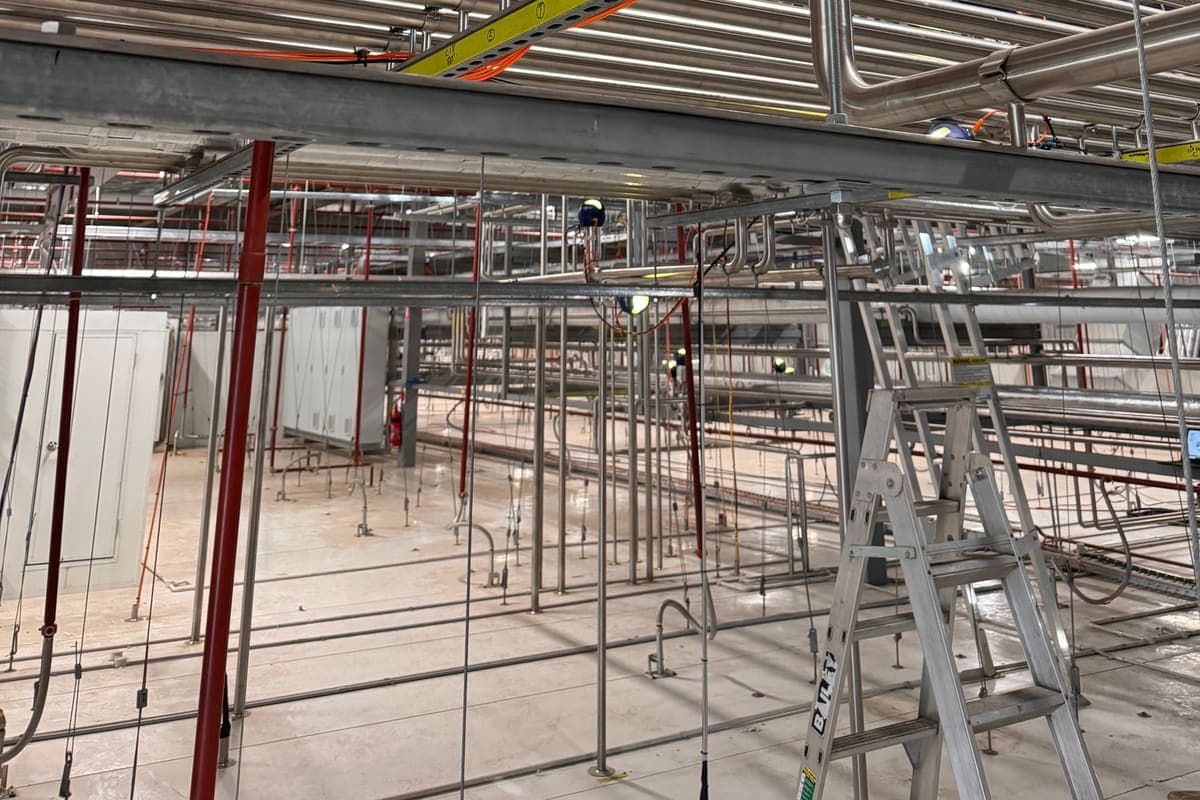
What Industry 4.0 means for a mid-size Australian food plant, why most programs stall, and a practical first step: one line, one decision and the data your PLCs already produce.
Key point
Industry 4.0 is a direction, not a product
Published 25 Sept 2026
Tell Metromotion Controls about the work you are planning and speak with an engineer about the next steps.