Platforms and vendors
- Ignition
- SQL databases
- ERP and planning tool interfaces
- Excel and CSV schedules
- REST APIs
- ISA-88 batch control
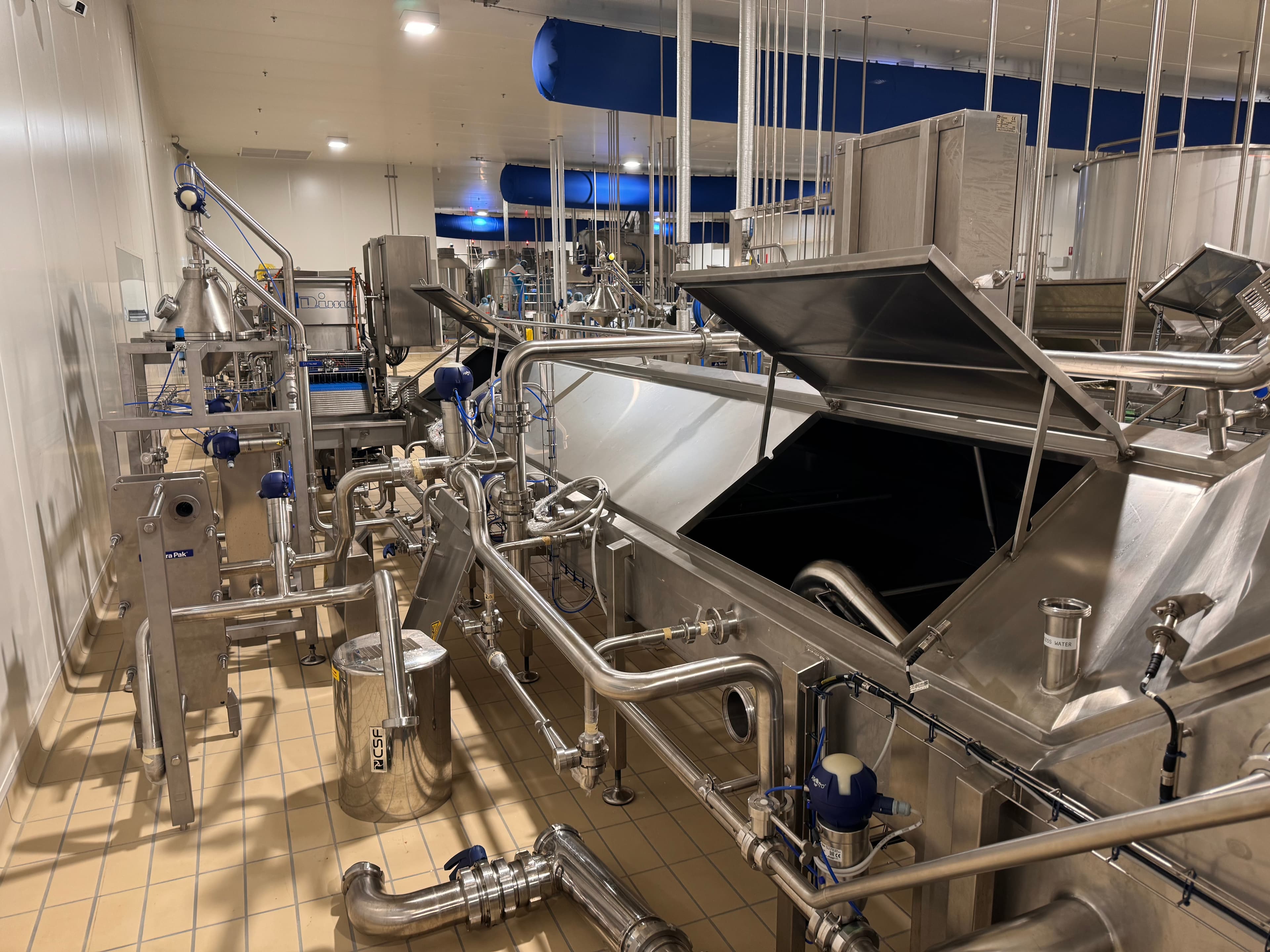
Metromotion Controls connects your production schedule to live line data, so schedulers see status, rates, stops and CIP as they happen, can check adherence during the shift and re-plan in real time as conditions on the floor change.
A production schedule is a plan made with the best information available the day before. By mid-morning the line has had a long stop, a changeover ran over and a CIP took longer than planned, and the scheduler finds out by walking the floor or waiting for the shift report. Metromotion Controls connects the schedule, whether it lives in a spreadsheet, a planning tool or ERP, to the live state of each line. Schedulers see adherence and forecast finish times from actual rates, and changeover and CIP windows come from measured durations, so the next plan starts from what the line really does.
Schedules drift for predictable reasons, and most of them are visible in the line data long before anyone updates the plan.
The first step is visibility. Each order on the schedule is matched to the line running it, and the scheduler sees what the line is doing now: running, stopped, in changeover or in CIP, the rate against plan and the quantity made so far. From actual rates, the system forecasts when each order will finish, so a late finish shows up while there is still time to act on it.
When conditions change, the scheduler decides what to do; the data makes the decision faster and better informed. With live status, measured durations and forecast finish times on one screen, a scheduler can see the effect of moving an order, pulling a CIP forward or splitting a run before committing to it, and the updated plan goes back to the line without being retyped.
Retyping orders at the HMI is slow and error-prone. Orders can be released from the schedule, planning tool or ERP to the line with SKU, quantity and recipe, selected by the operator at changeover, and confirmed back with actual start, finish, output and scrap. We have built this flow from schedule to batch on ISA-88 batch control at Real Pet Food, and the same pattern applies to packing and filling lines. For the ERP side of the connection, see ERP and SAP integration.
Many mid-size plants schedule in a spreadsheet, and that is often fine once it is fed with real data. Others use an advanced planning and scheduling (APS) tool or the planning module of their ERP. We connect to what the site uses through a documented interface, database or file exchange, and keep the plant-floor side independent so the scheduling tool can change later without rebuilding the line integration.
The scheduler stays in charge of the plan. What changes is the information: live status, measured durations and forecast finish times, so the scheduler can re-plan in real time instead of the next morning. Automatic optimisation can be added later through a dedicated scheduling tool if a site needs it.
Not always. Many single-site plants schedule well in a spreadsheet once it is fed with actual rates and durations. A dedicated APS tool earns its cost when many lines share constrained equipment or labour.
From the line data. The PLC and SCADA layer record when a line stops for changeover or CIP and when it restarts, so each SKU pair builds its own measured changeover time.
Yes. Orders can be released from ERP or a planning tool to the line and results confirmed back. We scope that interface with the ERP team at the start of a project.
OEE, reports, quality, CIP, maintenance and energy data from the team that builds and programs the lines.
Live OEE, line status and stop reasons read directly from the PLCs on food and beverage lines.
Orders down to the line and counts, consumption, scrap and batch results back to ERPs such as SAP and Pronto Xi.
The MES functions a mid-size food plant uses, what it can skip, and whether to build on Ignition or buy enterprise MES.
Pet food raw materials automation covering batching, handling and production control requirements.
OEE and downtime reporting from PLC states, with shift and weekly management reports for an Australian yoghurt plant.
Large capital project delivery across process automation, electrical engineering and commissioning.
Ignition Gold Certified System Integrator for Ignition SCADA, historian, reporting and MES functions.
The ISA-95 levels, the SCADA-to-MES boundary, production tracking and genealogy, B2MML and ERP integration for food manufacturers.
OEE meaning and calculation under ISO 22400-2, with a worked two-SKU example and the booking rules that move the figure.
Automation, traceability, CIP, SCADA and production data for Australian food and beverage plants.
Batch, recipe, work order, CCP and OEE systems for pet food manufacturing environments.
Real Pet Food Company needed automated raw materials handling with stronger batch traceability and scheduling, across a plant where mechanical, electrical and automation scope all had to be brought together by one team before startup. Metromotion Controls structured the batch control to ISA-88, breaking each product into recipe phases and validating the transfer route and ingredient at each step so material moved against a confirmed path rather than an assumed one. The team supplied, installed and commissioned the system, coordinating mechanical, electrical and automation scope through simulation, FAT and startup.
Building on the greenfield automation delivered at Chobani's Australian facility, Metromotion Controls was engaged to develop an OEE data platform that gave the operations team structured visibility of line performance, availability losses, and production output. The project connected existing PLC infrastructure to a centralised reporting environment, establishing consistent downtime reason codes, shift-level OEE calculation, and management dashboards aligned to how the site teams already ran daily reviews.
Chobani needed a controls partner to help establish its Australian manufacturing operation with new production lines and site infrastructure, and the relationship has had to keep adding and optimising lines without disturbing production already running on site. Metromotion Controls supported the initial setup and has continued to add, optimise and support production lines over the years, bringing process, packaging and site services onto common control and data interfaces so each addition extends one operating environment rather than a separate island. The scope spans plant services including boilers, refrigeration, trade waste, power monitoring and water usage monitoring, plus OEE, site data analytics and contextualised production data from lab equipment and other external sources.
Factory data, OEE, reports, quality, CIP, maintenance and energy from the team that builds and programs the lines.
Live OEE, line status and stop reasons read directly from the PLCs, shown to operators, supervisors and managers when each of them needs it.
Production orders and recipes down to the line, and counts, consumption, scrap and batch results back to ERP, on an ISA-95 model with clear transaction rules.
A practical MES scope for mid-size food plants: the functions that earn their keep, the ones you can defer, and whether to build on Ignition and SQL or buy an enterprise MES.
Speak directly with an engineer about scope, timing and technical constraints.